
How to show up on Google Maps in Singapore: a practical checklist
When someone nearby searches for what you sell, the map comes first. Here is what actually moves a business up it.
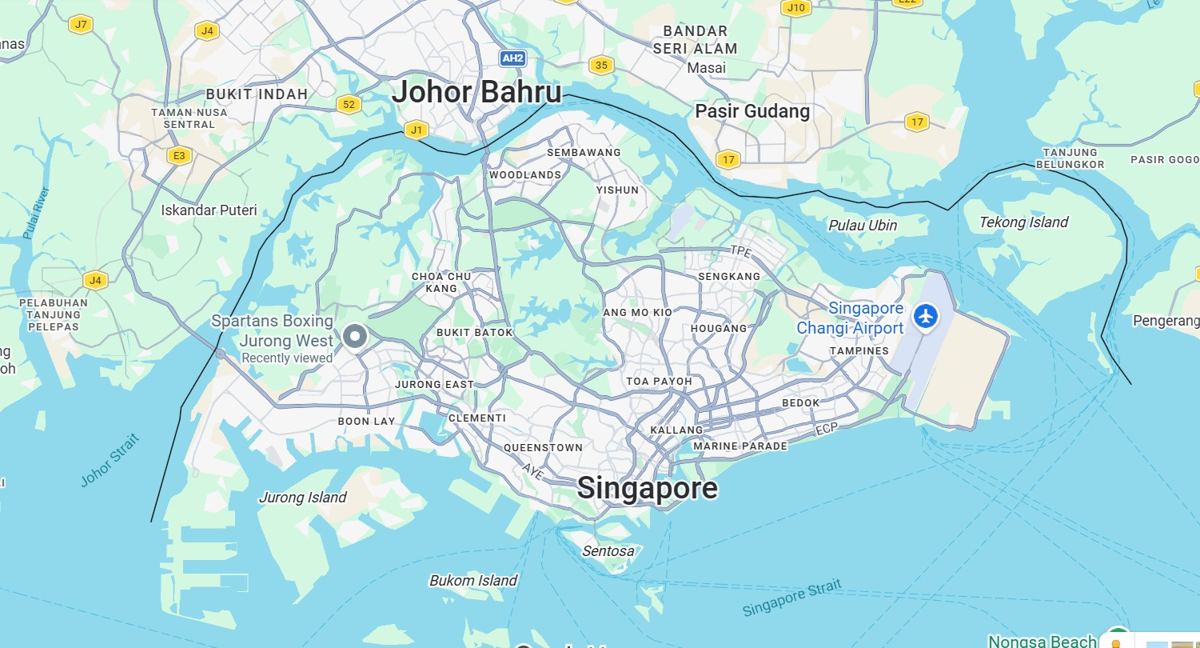
When someone in Singapore searches for "dentist near me" or "cafe in Tiong Bahru", Google usually shows a map with three businesses before anything else. Getting into that group is one of the most valuable things a local business can do, and it is mostly about doing the basics properly, not about spending money.
What Google looks at
Google says local results are based mainly on three things: relevance (how well your listing matches the search), distance (how close you are to the searcher) and prominence (how well known and trusted you are). You cannot change where your shop is, but you have real influence over the other two.
1. Claim and complete your Business Profile
Your Google Business Profile is the listing people see on Maps and Search. Fill in every field you can and keep it current.
- Use your real business name exactly as it appears on your signboard. Adding keywords to the name can get the listing suspended.
- Add accurate opening hours, including special hours for public holidays.
- List your services or products, and write a short description in plain language.
- Add your website, phone number and, if you take bookings, a booking link.
2. Pick the right categories
Your primary category is one of the strongest signals for relevance. Choose the most specific one that describes your main service, then add secondary categories for the rest. A "dental clinic" and an "orthodontist" are not the same thing to Google.
3. Add real photos, regularly
Photos of your shopfront, inside, your team and your actual work help people decide and help them find you when they arrive. Add a few new ones each month. Avoid stock images on your own listing.

4. Collect and answer reviews
Reviews affect both ranking and whether people choose you. Ask every happy customer, make it easy with a short link or QR code, and reply to every review, good or bad, in a calm and personal way. Never buy reviews or offer rewards for them, as this breaks Google's policies and can get reviews removed.
5. Keep your details consistent
Your name, address and phone number should match across your website, Google profile, Facebook page and any directories you appear in. Small differences, such as "Blk 123" in one place and "Block 123" in another, create doubt.
6. Make your website support your listing
Google also reads your website to understand what you do and where. Put your address and map on a contact page, create a page for each main service, and mention the areas you serve. A fast, mobile-friendly site helps people stay once they click.
7. Post updates and answer questions
Use posts to share offers and news, and respond to questions people ask on your profile. It keeps the listing active and gives customers a reason to choose you.
What to avoid
- Fake addresses or virtual offices pretending to be a shop.
- Stuffing keywords into your business name.
- Fake reviews, or asking only happy customers to review (review gating).
- Duplicate listings for the same location.
How long it takes
Fixing the profile can show results within weeks. Reviews and prominence build over months, and they compound: the more people choose you, the more Google tends to show you. If you would like help working out where your listing stands, a free audit will show you the biggest gaps first.
Want this done for you?
Start with a free audit and a fixed quote.
Keep reading

Website security basics for Singapore SMEs: the few things that stop most attacks
Small sites are rarely targeted personally. They are hit by automated attacks that look for the same weak spots.
Read the article →
How to get more Google reviews without being pushy
Reviews help you rank and help people choose you. The best way to get more is to ask well, at the right moment.
Read the article →